

Apple is preparing for its annual Worldwide Developers Conference on June 9, and we expect the company to announce iOS 27 at that time. The upcoming iPhone operating system could bring some major changes to your device, like an overhauled Siri and Camera app. But before then, it's a good idea to take a look back at all the features iOS 26 and its updates brought to your device.
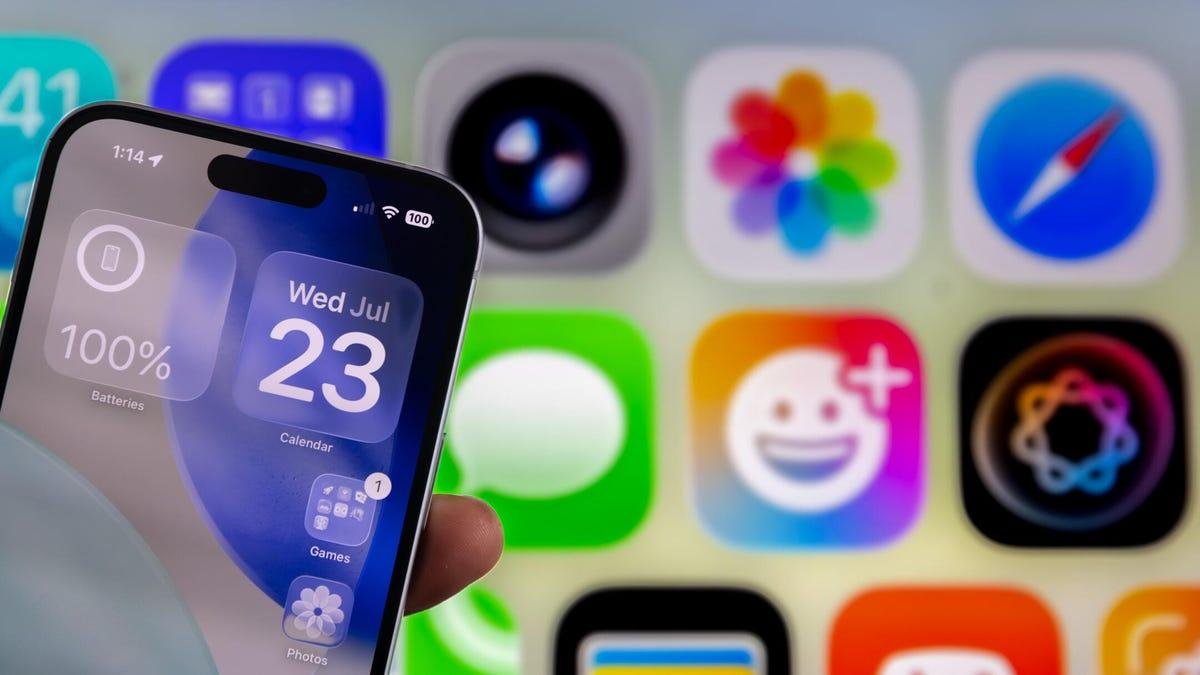
Apple released that update in September 2025, and it brought a load of new features to your iPhone, including call screening and other hidden features. The update also gave your iPhone Liquid Glass, the first major design shift on the device since Apple released iOS 7 in 2013.
Since the release of iOS 26, Apple released more iOS updates, which include more features, changes and improvements to your iPhone. Those updates have also made it easy to change features on your iPhone, including the Liquid Glass design.
We put together this guide to help you navigate and use the latest features in iOS 26. This page will also help you keep track of the subsequent iOS 26 updates.
Featured Deal

iOS 26 updates
- Apple Brings End-to-End Encrypted RCS Messaging to Your iPhone With iOS 26.5
- What You Should Know About iOS 26.4.1
- iOS 26.4 Brings New Emoji, Video Podcasts and More to Your iPhone
- iOS 26.3.1 (a): What You Should Know About Apple's First Security Background Improvement
- Apple Brings Studio Display Support to Your iPhone With iOS 26.3.1
- iOS 26.3 Brings Additional Privacy Controls and More to Your iPhone
- Protect Your iPhone From Potential Attacks by Downloading iOS 26.2
- iOS 26.1 Is Here, and It Brings These Features to Your iPhone
- What Bugs iOS 26.0.1 Fixes on Your iPhone
Using iOS 26
- All the New Emoji iOS 26.4 Brought to Your iPhone
- Hate Your iPhone Alarm's Slider? Here's How to Get Rid of It
- What to Know About the Liquid Glass Setting in iOS 26.1
- Make Sure Your iPhone Has the Most Protection With This iOS 26.1 Setting
- 18 Hidden iOS 26 Features to Try Now
- Enable This Feature to Give Your iPhone More Privacy on Safari
- Give Yourself Clear App Icons and Widgets With Liquid Glass
- How to Dull the Effects of Liquid Glass
- Extend Your Battery Charge With Adaptive Power
- Hang Up on Spam Calls With Call Screening
- iOS 26 Doesn't Just Screen Calls, It Can Screen Texts, Too
- Give Your Chats Some Color With Fun Backgrounds
- Group Chat Can't Decide on What to Eat? Here's How to Create a Poll in Messages
- Want a Little More Sleep? Try This iOS 26 Trick
- AI News Summaries are Back in iOS 26 With This Warning
- Here's How to Use Your AirPods to Take Photos in iOS 26
- From AutoMix to Lyrics Translation, Here Are the New Apple Music Features
- Dirty iPhone Camera Lens? This New Feature Can Help
- You Don't Need an iPhone 17 to Use This iOS 26 Camera Feature
- Use This Tricks to Get the Most Out of Safari in iOS 26
- How to Ensure Your Maps App Isn't Keeping a Log of Your Visited Places
iOS 26 Is Bringing Parents More Control Over Kids' Screen Time
Getting started with iOS 26
- I Tested iOS 26 for Months and Liquid Glass Isn't the Only Major Change
- Check Whether Your iPhone's Compatible With iOS 26
- What to Know Before Downloading iOS 26
- How to Download iOS 26
- iPhone Battery Draining Fast After iOS 26? Apple Says That's Normal
- iOS 26 Brings These New Features to Your iPhone
- The Latest Ringtones You Can Find in iOS 26
Check back here for more updates on iOS 26 and how to use the new features in the OS.
Watch this: No Regular iPhone 18? Why Apple May Split the iPhone Event