Apple devoted a large portion of its Worldwide Developers Conference keynote on Monday to big, long-awaited changes to AI capabilities in its software, not least an overhaul of its Siri assistant. But it also announced at WWDC its new search interface, promising faster, more reliable and more accurate search results.
The revamp is to the Search Index that powers apps on your iPhone, such as Spotlight, Photos and Mail. For those emails you keep forgetting to respond to, there will also be a new ranking system that brings your most relevant emails to the Top Hits section. This feature also be used on iPadOS and MacOS.
After you update to this new feature, your device reorganizes your content immediately, with new content appearing in your search results.
Watch this: Everything Apple Unveiled at WWDC 2026
New Siri AI and your search results
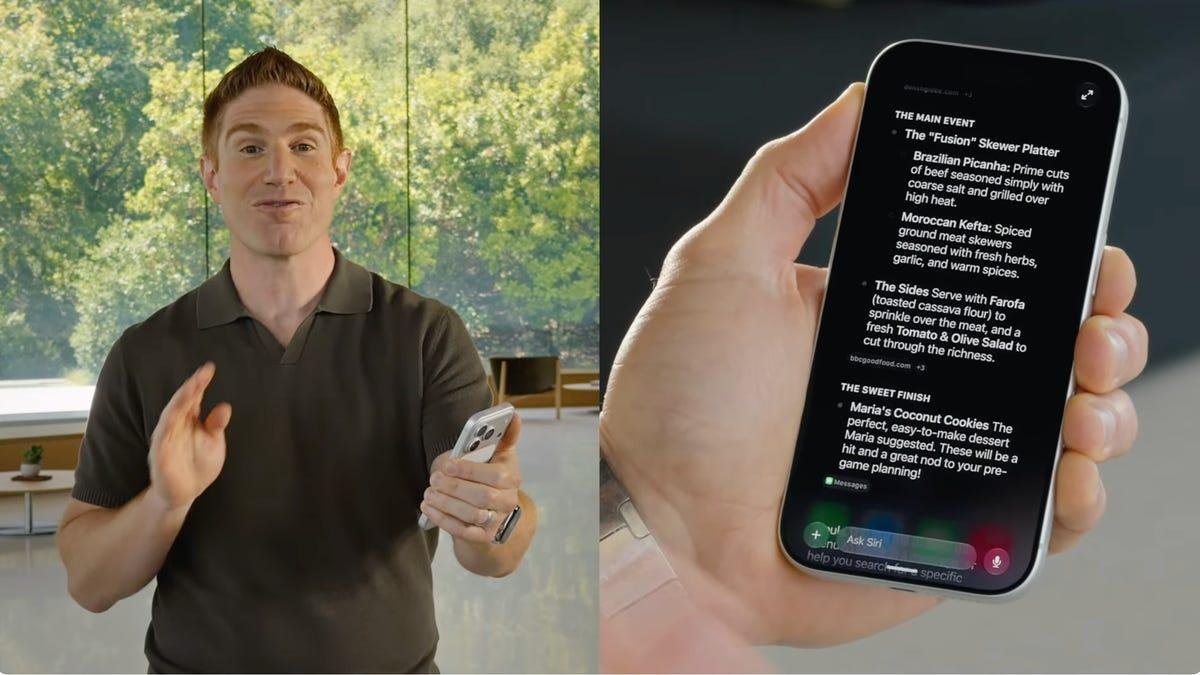
The new Siri AI, which has its own app, and incorporates visual intelligence features. On the iPhone, the Siri AI app will be conversational and integrated into your new search features.
You can swipe down from the Dynamic Island to search or to start a conversation with Siri AI by typing. This will give you traditional search and spotlight behavior, as well as the ability to enter a full conversation with Siri AI.
What does this mean for your search results? When you swipe down from the Dynamic Island at the top center of your screen, you can use it just like Spotlight, a built-in search system that tracks all the apps, files, messages and content on your device. From there, you can continue into a full Siri AI chat, either typed or spoken, which provides richer, longer answers.
The underlying iOS continues to catalog content and information across apps such as Photos, Mail, Messages and Files. The new search feature can surface all relevant new content above the top hits, making it easier to locate.
Read more: Apple's Biggest Reveals at WWDC25: iOS26, Liquid Glass Design and Call Screening
Apple didn't mention whether this new search interface will change how you unlock or open your iPhone using Face ID, Touch ID or a passcode.