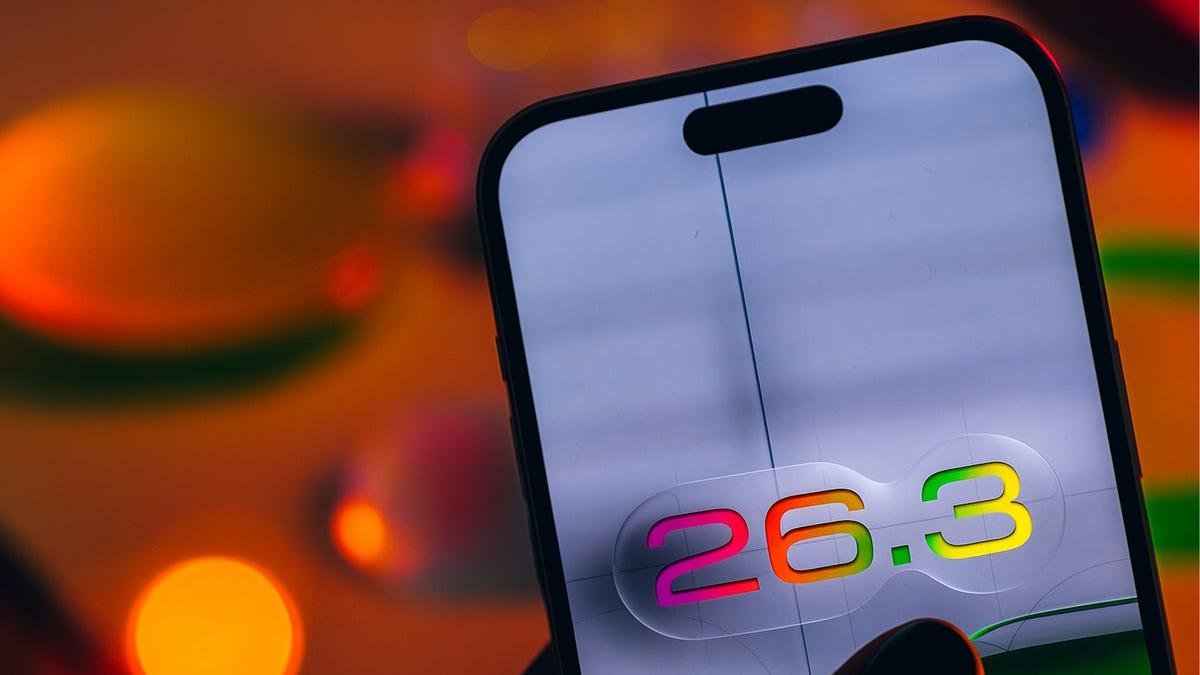


Apple has released iOS 26.3 to the general public, delivering a relatively modest update that focuses more on polish and infrastructure than any flashy new features. The update follows last week's release candidate, which typically signals that Apple is preparing to push its latest software more broadly.
Rather than a major overhaul, iOS 26.3 adds support for expanded RCS messaging features, introduces a new tool for switching from an iPhone to Android, enables notification forwarding to third-party devices, and rolls out several smaller privacy and interface tweaks.
Here's what you can start using right now with iOS 26.3.
End-to-end encrypted RCS messaging support
iOS 26.3 adds support for end-to-end encrypted RCS messaging in Apple's Messages app, expanding the privacy protections available when texting Android users. The update includes new carrier bundle support tied to encrypted RCS, a change that surfaced ahead of launch in the iOS 26.3 beta.
References to a new "SupportsE2EE" key appeared in carrier bundles for multiple wireless providers, signaling Apple's readiness to support encrypted RCS messaging at the system level. While the feature is now part of iOS 26.3, its availability depends on whether individual carriers have enabled the encrypted RCS standard on their networks.
AppleInsider previously reported that early support appeared in carrier bundles offered by several French carriers, suggesting the rollout may vary by region. Even with iOS 26.3 installed, end-to-end encrypted RCS messaging won't be enabled until a carrier turns it on.
Easier to transfer from iPhone to Android
Another change in iOS 26.3 is an easy way to transfer your data from an iPhone to an Android device.
If you've considered switching from iPhone to Android, you may have been deterred by the transfer process. Android offers a five-step process to make this switch easy, but some steps include preparing your device by turning off FaceTime and Messages, and connecting both devices with a cable.
In iOS 26.3, a new option lets you connect your iPhone and Android devices.
Go to Settings > General > Transfer or Reset iPhone. Near the bottom of this page is an option called Transfer to Android. Tap this and follow the on-screen instructions to transfer photos, messages, apps and more to your Android device. This feature lets you place your iPhone near a compatible Android device and wirelessly transfer a range of data, including photos, messages, contacts and more -- no third-party software required.
Notification forwarding to third-party devices
iOS 26.3 also includes Apple's new notification forwarding feature, which allows iPhone notifications to be sent to one other device at a time, like a non-Apple smartwatch. The option first appeared during the iOS 26.3 beta cycle, was removed, and is now part of the public release.
"Notifications can be forwarded to one accessory at a time," Apple wrote in the menu's description. "Notifications will not appear on Apple Watch while Notification Forwarding is turned on."
The feature is limited to forwarding notifications to one device and is only available in regions across Europe for now. Apple has not said whether the feature will be available in the US or expand to support multiple accessories or additional devices in a future iOS update.
You won't see this menu in the latest iOS 26.3 beta.
Apple/CNETAnother privacy control that limits what your phone shares
The latest update also expands privacy options with a new Limit Precise Location setting that limits how precisely your location is shared with cellular networks, giving you more control over what data carriers receive.
When enabled (Settings > Cellular/Cellular Data Options), your carrier may only see broad location information (like your neighborhood rather than your exact street address), and emergency services such as 911 still function normally. The feature is only available on the iPhone Air and iPhone 16e for now, and is supported by only Boost Mobile in the US.
In addition to location controls, Apple has made small interface refinements in the privacy section of the Settings app, making it easier to understand and manage privacy-related options such as app permissions and data sharing. These tweaks are subtle, but help surface privacy trusts without some of the clutter.
New wallpapers and visual updates, including Weather and Astronomy
iOS 26.3 refreshes the iPhone's wallpaper options with expanded categories and new presets. The update splits sections like Weather and Astronomy into dedicated rows in the wallpaper gallery, making it easier to browse and apply wallpapers tailored to specific styles. The Weather section now includes multiple live weather-based wallpapers that reflect local conditions with updated fonts and widget layouts.
Those are a few of the new features you can start using with the public release of iOS 26.3. There are also plenty of smaller interface tweaks and under-the-hood changes that won't draw much attention, but are meant to give you a slightly smoother iPhone experience.
For more iOS news, here's everything you should know about iOS 26.2, the new features that were included in iOS 26.1 and my review of iOS 26. You can also check out our iOS 26 cheat sheet.
Watch this: Apple's Siri to Be Powered by Google, Australia's Under-16 Social Media Ban, UK Investigates Musk's X | Tech Today