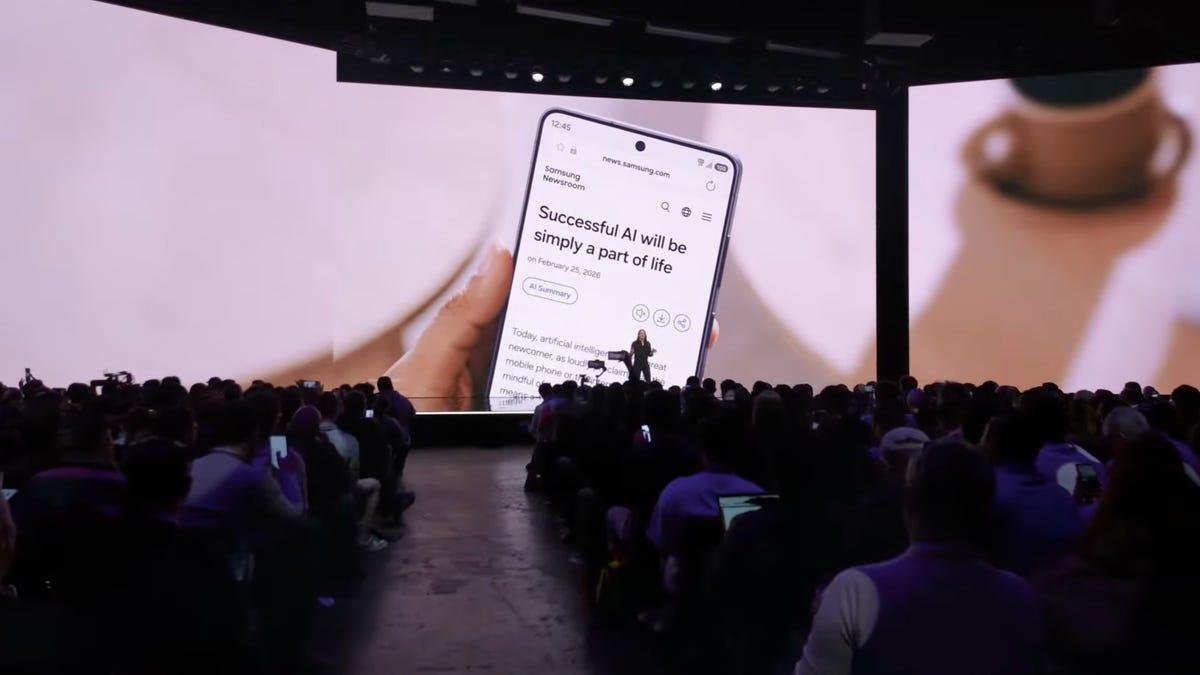
You'd think that with the number of leaks and early reveals of Samsung's new Galaxy S26 phone lineup, the actual Samsung Galaxy Unpacked event would be just a formality. But seeing official announcements is different from piecing and parsing rumors. Today's event had its share of big news and a few surprises.
Watch this: Samsung Unpacked 2026: The Future of AI Has Arrived (Highlights)
Galaxy S26 Ultra
One expected announcement was the reveal of the flagship Galaxy phone, the S26 Ultra. In fact, Samsung barely mentioned the other two phones being rolled out today: the Galaxy S26 and Galaxy S26 Plus.
The Galaxy S26 Ultra is slightly lighter and thinner than the S25 Ultra, features the new Snapdragon 8 Elite Gen 5 processor for Galaxy, has an aluminum frame instead of titanium, and incorporates new display technology, including Privacy Display.
The S26 Ultra became the hook on which almost everything else announced at the event hung, from AI features to camera technology.
CNET's Abrar Al-Heeti wrote about her first hands-on experience with the Galaxy S26 Ultra, and we'll follow up with full reviews of it and the other S26 phones as we have more time to test them out.
S26 Ultra Privacy Display
Phone display news typically centers on brightness and resolution, but Samsung Unpacked revealed a new technology that looks genuinely useful in everyday situations.
Snoopy coworkers? Privacy Display can thwart their nosy efforts.
Samsung/Screenshot by CNET"Look" is probably the wrong word, though, because the Privacy Display feature lets you hide sensitive information on your screen. It's like a sheet of privacy film that can be turned on or off and applied to specific apps and content.
When you turn on Privacy Display, people sneaking peeks at your phone from the sides will see just a darkened screen. Or you can choose to enable it when, for example, you're using your banking app or sending text messages. The technology isn't just a full-screen, all-on/all-off implementation: You can configure it so that only incoming notifications get the privacy treatment.
Narrow pixels focus light output to reduce the field of view.
Samsung/Screenshot by CNETThis is all accomplished using a clever technology Samsung calls Black Matrix. Normally, display pixels are designed to cast light in the widest possible angle for better visibility. With the Black Matrix, some display pixels include physical rings that can narrow their light output and disrupt visibility from the sides.
CNET's Katie Collins thinks Privacy Display is the one feature that sets the S26 Ultra apart from every other phone right now, and Macy Meyer is looking forward to scrolling in peace away from "shoulder surfers."
Galaxy S26 and S26 Plus
The S26 phones most people will buy got only a few mentions, but a few things about them stand out, as CNET's Patrick Holland explains in his first-hand look.
Samsung Galaxy S26 and Galaxy S26 Plus
Vanessa Hand Orellana/CNETThe Galaxy S26 has a larger screen than the S25 it replaces, which means it's also slightly taller and wider. However, it keeps the same 7.8mm thickness, which Holland says makes it feel slimmer overall. That design also includes a larger, 4,300-mAh battery, which is welcome news; the S26 Plus includes the same 4,900-mAh battery as its predecessor.
Not as welcome? Both phones are now $100 more expensive than the ones they replace, at $900 and $1,100 for the 256GB models. (The Galaxy S26 Ultra, however, keeps its $1,300 price tag.)
All New Samsung Browser, Including Perplexity
I know this comes as a shock, but AI featured heavily in Samsung's presentation. And while a lot of the language is still couched in the future-tense "you will be able to," Samsung did show off some practical applications of AI.
It introduced a new Samsung Browser that, at heart, is tied to AI vendor Perplexity. Using an Ask AI tool, the browser can research queries across all the browser tabs, and even your search history, to bring up the answers you're looking for.
Patrick Holland got more details about Samsung's and Perplexity's relationship.
Now Nudge
Another AI tool announced at the event is Now Nudge, a feature intended to feel like a low-key personal assistant but not one that tries to micromanage your life.
Now Nudge is envisioned as a less-intrusive personal assistant.
Samsung/Screenshot by CNETIn the example Samsung gave, when a friend mentions photos you and they shared in a chat, Now Nudge could surface those photos so you have them ready to share, instead of digging through your photo library to find them.
Or, it can bring up calendar events related to a conversation: When a friend asks if you're free on a specific date to go out for dinner, Now Nudge can pop that day up without you leaving the chat app. According to Samsung, "it helps you stay in your flow."
It's certainly interesting to see at least a partial acknowledgment that not everyone wants AI to handle every task.
Galaxy Buds 4 Series
It wasn't all phones at the Galaxy Unpacked Event. Samsung introduced the Galaxy Buds 4 earbuds, showcasing a fresh look and numerous internal changes. The woofer design is wider, with 20% more vibration area for deeper, richer sound.
The Galaxy Buds 4 Pro come in four color options, including a new pink gold color.
Vanessa Teal/CNETCNET's David Carnoy, in his review, says the $250 Galaxy Buds 4 Pro offer excellent sound with upgraded drivers, updated noise cancelling and top-tier voice calling and transparency mode.
They're available for preorder on Feb. 26 and begin shipping March 11.
Smarter Circle to Search
Samsung and Google really, really want you to shop for clothing using AI, it seems. The Circle to Search feature, which lets you identify an item in a photo and get more information about it, has been updated to let you select multiple items within the circle.
Use Circle to Search to view all items of a person's outfit.
Samsung/Screenshot by CNETIn Samsung's example, you can draw a circle around someone's entire outfit and it will identify all the pieces… shirt, jacket, pants, shoes and the like. Are clothing stores seeing an uptick in sales from features like this, or does it just make for a good demo? We'll have to see for ourselves.
Galaxy AI Photo Editing
Cameras are always a big part of new phone announcements, and although the camera hardware in the Galaxy S26 phones remains largely unchanged (the S26 Ultra has wider apertures to let in more light on its main and ultrawide cameras), the AI features continue to press ahead.
Tell Galaxy AI how you'd like to edit a photo.
Samsung/Screenshot by CNETOne thing that stood out is the ability to use AI to edit photos by making voice requests or text prompts. This is what the company mentioned before the event when it teased a new "Galaxy camera experience" was coming. In one example, the presenter showed how a cupcake with a bite taken out could be repaired (with a not-so-subtle upbraiding of the unnamed friend who dared to chomp before a photo was taken).
The upside is that people who don't know how to edit photos or are intimidated by the various controls can ask for a result and let the generative AI engine create it for them.
Google showed off similar features when it introduced the Pixel 10 Pro last year.
See Andrew Lanxon's look at what's changed in the S26 camera systems.