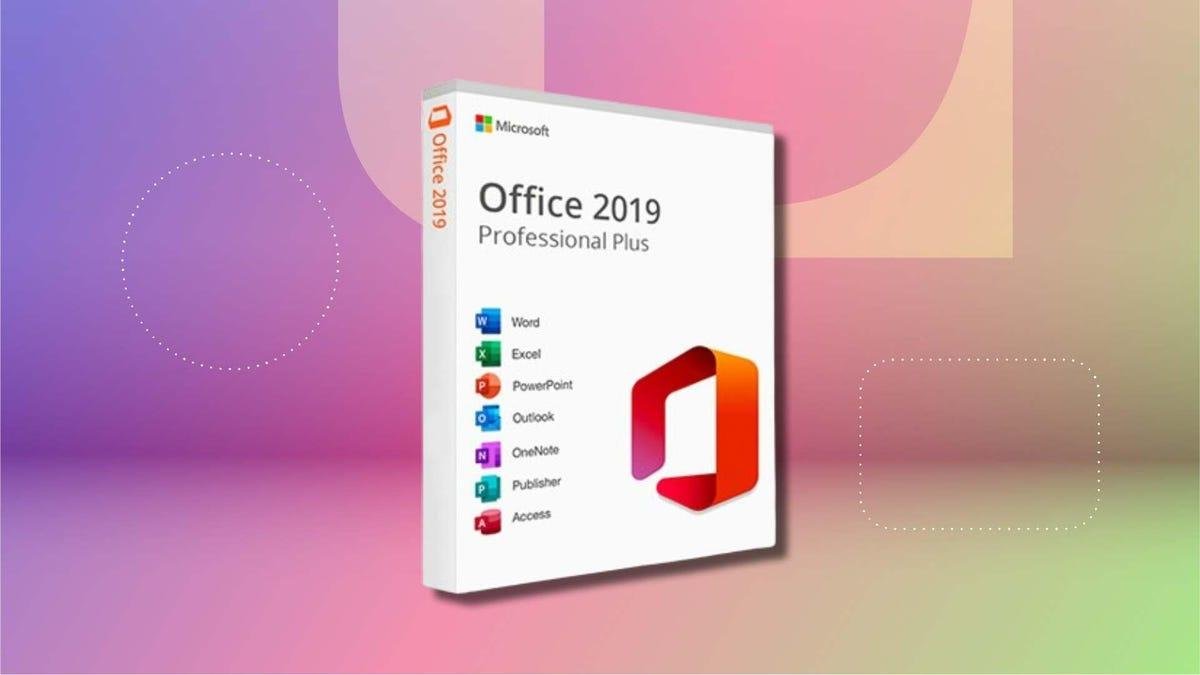


If you're still using Microsoft Office 2019 on your Mac, it's about to become a read-only document viewer.
Starting July 13, Office 2019 apps for Mac -- including Word, Excel, PowerPoint, Outlook and OneNote -- will enter a "reduced functionality mode" that disables editing, saving or creating new files, while allowing only viewing and printing. This restriction also affects outdated iPhone and iPad applications, according to Microsoft.
That's because Microsoft Office 2019 stopped being officially supported in October 2023, and the version no longer receives software or security updates.
Subscribers of Microsoft 365 on newer supported versions of Office on MacOS, as well as customers of the nonsubscription Office 2021, will need to update their software before July to avoid the same fate.
The heart of the issue is an expiring security certificate that validates Office licenses. Microsoft renewed the certificate and updated other versions of Office to properly recognize it, but not the 2019 version for Mac. Microsoft Office versions for Windows aren't affected by this security certificate.
Pulling the plug on Office 2019
Microsoft's end-of-support notice for Office 2019 cites a five-year support lifecycle for the software bundle. Office 2019 was released in September 2018, making it nearly 8 years old.
With software updates, that's not unreasonable. But this certificate issue doesn't appear to be due to broken code that would pull resources from other newer projects to fix. Office 2019, which was sold as a one-time purchase, still works just fine.
The problem is that Microsoft won't provide an update that would activate the renewed certificate. The expiration of security certificates is a standard industry practice designed to limit the risk of compromised cryptographic keys.
But some critics argue Microsoft's deadline is self-imposed. Compounding the backlash, Microsoft quietly removed a previous online promise that the software would "continue to function."
When reached for comment via email, a Microsoft spokesperson replied: "Microsoft is not intentionally limiting or changing Office 2019; the product cannot receive the renewed certificate because no update path exists for an out-of-support product."
The last full-purchase version of Office for Mac is Office 2024, which will continue to be supported. Its predecessor, Office 2021, will also continue to work but will enter end-of-support mode in October 2026.
Office 2019 existed in the not-so-distant past, before Microsoft started bolting artificial intelligence features into all its products. It's safe to assume that some customers are holding onto their apps because they want the core word processing, spreadsheet and presentation features without today's distractions.
If you do decide to upgrade to a newer version from Office 2019, you'll need to download and run a License Removal Tool, open an Office app and then go to Help > Check for Updates to activate it.
As an alternative, you can use Microsoft 365 on the web for free.