


Android 17’s new foldable gaming mode could make flippy phones more fun
Android 17’s new foldable gaming mode could make flippy phones more fun

is a senior reporter covering technology, gaming, and more. He joined The Verge in 2019 after nearly two years at Techmeme.
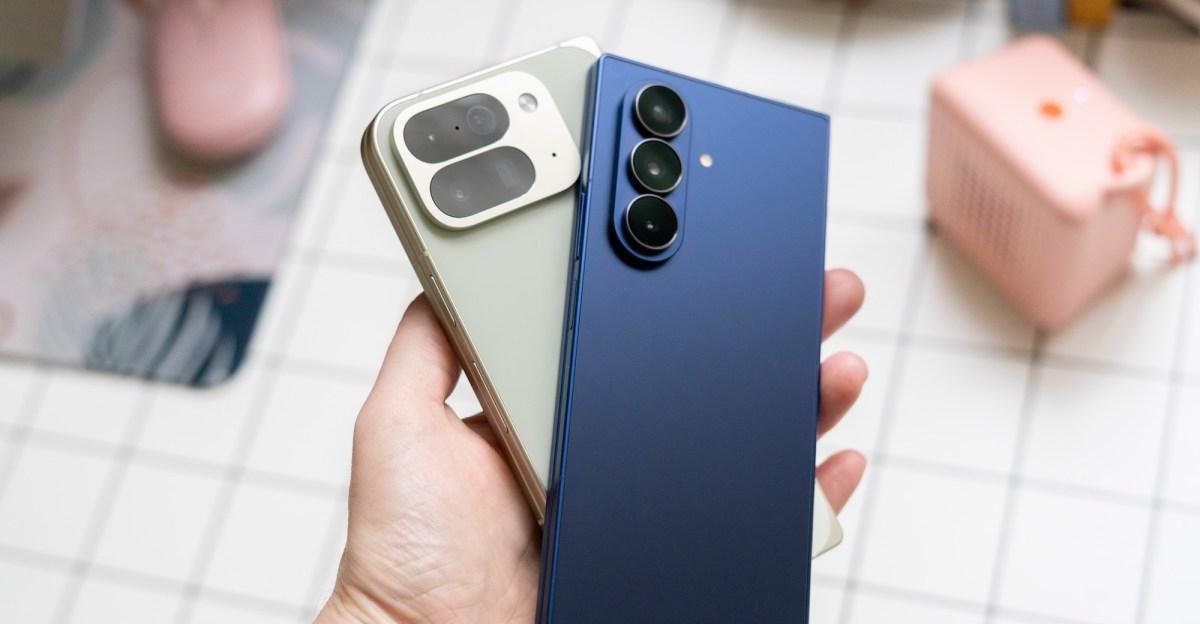
Android 17 is getting a dedicated gaming mode for foldables that will put a virtual gamepad with touch controls on half of your screen to theoretically make it easier to play games.
With foldable gaming mode, which is set to launch in the coming months, the virtual controller emulates physical button presses at a system level and is designed to work “with any game that supports physical controllers,” says Google’s Mishaal Rahman on Reddit. For the actual inputs, the virtual controller will have a D-pad; left and right virtual sticks; A, B, X, and Y buttons; L1, L2, L3; R1, R2, and R3; and a start button. And you’ll be able to configure the gamepad in several ways, such as keeping the virtual joysticks inline or staggered from each other, scaling the size of the buttons, and toggling haptics on or off.

Turning on the mode “is as simple as unfolding your device, either before or after launching a compatible game,” Rahman says. You can also choose to hide the gamepad, and if you connect a physical controller, the virtual gamepad will turn off on its own.
“Android allows you to play a wide variety of games on the go,” says Rahman. “While touch controls work incredibly well for many titles, certain games are better enjoyed with physical gamepads. The problem is that carrying a Bluetooth controller or a snap-on gamepad with you everywhere isn’t always convenient. We want to bridge that gap, and we’re addressing it with a new feature in the Android 17 platform release that’s specifically tailored for foldable devices.”
Follow topics and authors from this story to see more like this in your personalized homepage feed and to receive email updates.
Sponsor
Zoekertjes
Zoekertjes
Zoekertjes
Categorieën
Read More
From Tea Leaves to AI: Why Today's High-Tech Predictions Are So DangerousEditors' note: Welcome to CNET's new series of guest columns called Alt View, a forum for a diverse array of experts and luminaries to share their insights into the rapidly evolving field of artificial intelligence. For more AI coverage, check out CNET's AI Atlas."How are you using AI?" I asked a class full of...

Apple says it’s fixed the awful search function for emails, photos In Brief Posted: 10:53 AM PDT · June 8, 2026 Image Credits:Apple If you are an Apple device user who has ever tried and failed to find an email message that you know you’ve received, or a photo you know you’ve taken, has Apple got news for you. The company said Monday at...
Today's NYT Connections Hints, Answers and Help for May 14, #1068 Why You Can Trust CNET Our expert, award-winning staff selects the products we cover and rigorously researches and tests our top picks. If you buy through our links, we may get a commission. Reviews ethics statement Here are some hints and the answers for the NYT Connections puzzle for May 14, No. 1,068. CNET...
Currently, Dance of Knives sits atop the Rogue leaderboard with a Tier 122 clear, while Twisting Blades follows closely behind. Multiple variants of both builds are performing at a high level, suggesting that players will have genuine choices when selecting an endgame setup. Having ample Diablo 4 Gold can greatly assist you in making your choice. However, one major caveat remains. A bug...
Rushdi Abualouf: If Hamas disarmament plan holds, it could mark first credible step to ending Gaza warAfter months of marathon talks, Hamas has, for the first time, accepted a framework of the Board of Peace's plan to completely disarm in Gaza.The plan provides for the inventorying and storage of its remaining heavy weapons under Palestinian supervision, potentially removing the most...

