iCloud Storage Full Yet Again? Here's a Fast Fix

iCloud Storage Full Yet Again? Here's a Fast Fix

I didn't move all my files, but in just 15 minutes I made a big dent.

Headshot of Bridget Carey

Bridget Carey Editor at Large

Bridget Carey is an award-winning reporter who helps you level-up your life -- while having a good time geeking out. Her exclusive CNET videos get you behind the scenes as she covers new trends, experiences and quirky gadgets. Her weekly video show, "One More Thing," explores what's new in the world of Apple and what's to come. She started as a reporter at The Miami Herald with syndicated newspaper columns for product reviews and social media advice. Now she's a mom who also stays on top of toy industry trends and robots. (Kids love robots.)

Expertise Consumer technology | Apple | Google | Samsung | Microsoft | Amazon | Meta | Social media | Mobile | Robots | Future tech | Immersive technology | Toys | Culture Credentials

  • Bridget has spent over 18 years as a consumer tech reporter, hosting daily tech news shows and writing syndicated newspaper columns. She's often a guest on national radio and television stations, including ABC, CBS, CNBC and NBC.

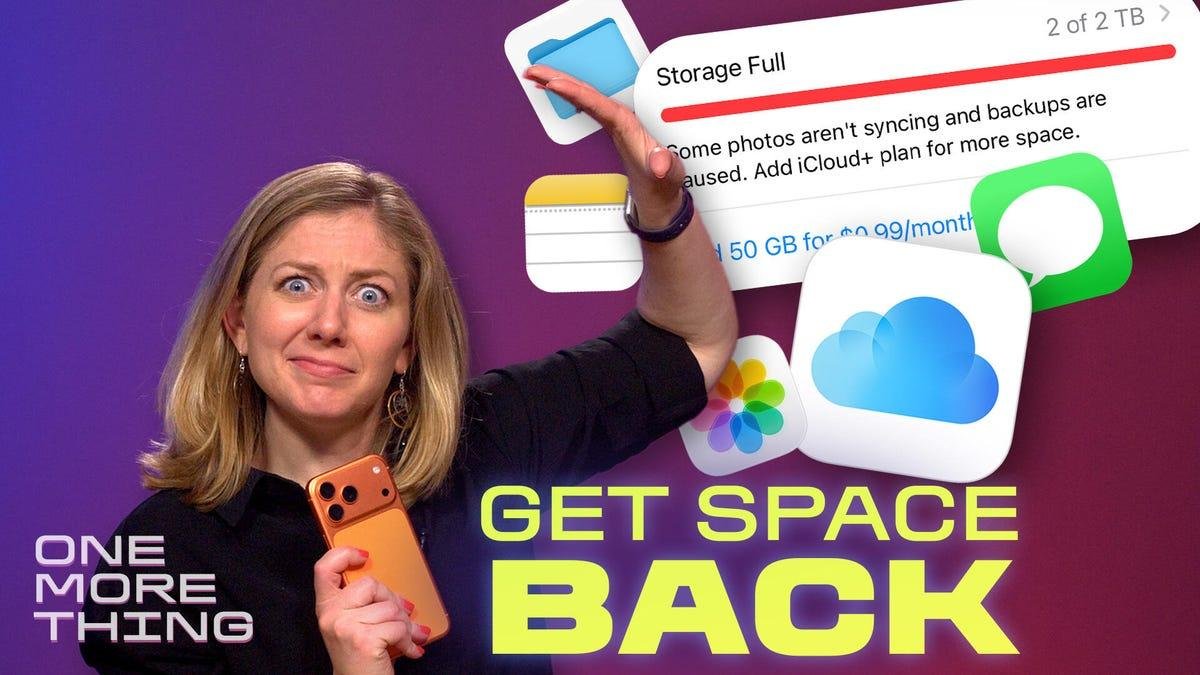
I don't know when I became this way, but I took 196 photos and videos of a fireworks show this week. I don't know why I take so many pics. I also never take time to delete any of them. So of course my iCloud storage is always full

The easiest way out of this digital hoarder conundrum is to pay Apple for more iCloud storage -- because moving and deleting large swaths of media can be quite a hassle on the iPhone. But I can't just keep adding more storage forever! 

So this week I hope you'll join me in celebrating freedom from those annoying "iCloud Storage Full" alerts. In today's episode of One More Thing, which you can watch embedded below, I walk through how to clear out your biggest video files first, along with other junk files that are easy to delete:

Watch this: Clear iCloud Storage Now in 3 Steps

It's seriously worth a few minutes of your time. After all, you don't want to run out of storage after reading these tips on how to take amazing fireworks photos.

For more One More Thing, subscribe to our YouTube page to catch Bridget Carey breaking down the latest Apple news and issues every Friday.


Headshot of Bridget Carey

Bridget Carey is an award-winning reporter who helps you level-up your life -- while having a good time geeking out. Her exclusive CNET videos get you behind the scenes as she covers new trends, experiences and quirky gadgets. Her weekly video show, "One More Thing," explores what's new in the world of Apple and what's to come. She started as a reporter at The Miami Herald with syndicated newspaper columns for product reviews and social media advice. Now she's a mom who also stays on top of toy industry trends and robots. (Kids love robots.)

Patrocinado
Patrocinado
Atualizar para Plus
Escolha o plano que é melhor para você
Patrocinado
Patrocinado
Anúncios
Leia mais
Download the Telestraw App!
Download on the App Store Get it on Google Play
×