You typed something reasonable. The AI gave you something useless. So you tried again, added a few words, and got the same disappointing answer in a slightly different tone.
This is the most common experience people have with ChatGPT, Claude, and Gemini — and it is almost never the model's fault. These systems are extremely capable. What they cannot do is guess what you meant but didn't actually say.
A prompt checker closes that gap. Here's how prompt correction works, and how to do it yourself in about five minutes.
What an AI prompt checker actually does
An ai prompt checker reads your instruction the way a language model would, and flags every place that leaves room for interpretation. It doesn't replace your idea — it finds the spots where you assumed context the AI doesn't have.
Most checkers evaluate four things:
- Role — have you told the AI what perspective to write from?
- Task clarity — is there one clear action, or several competing ones?
- Context — does it know who this is for and why?
- Output constraints — did you specify length, format, and tone?
Miss any of these and the model fills the gap with an average guess. Average guesses are what "bad AI output" usually is.
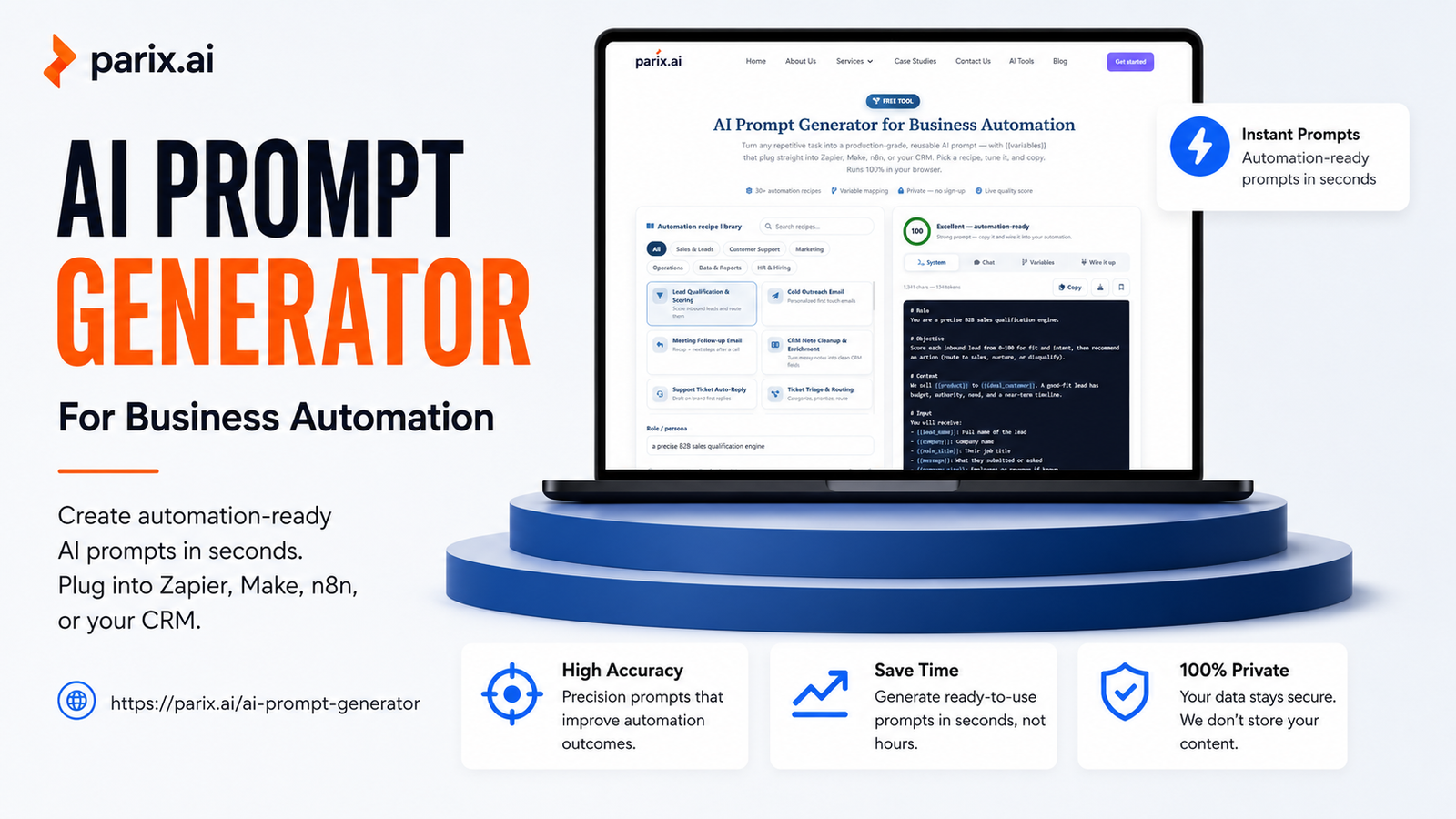
The free prompt checker at Parix.ai scores any prompt against these four dimensions and returns specific corrections rather than general advice. It's a prompt checker online free — no signup — and it works with ChatGPT, Claude, and Gemini alike.
The five faults that ruin most prompts
The task is a topic, not an instruction
"Marketing email" is a topic. "Write a 120-word marketing email announcing a 20% discount to existing customers" is an instruction. Models handle instructions well and topics poorly.
No audience is defined
Writing for a CFO and writing for a first-time buyer require different vocabulary, different objections, different proof. If you don't name the reader, the model writes for nobody in particular — which reads as generic.
Length and format are missing
Without constraints you get roughly 400 words of prose with three headings, every single time, because that's the safest statistical average. If you want a table, say table. If you want 80 words, say 80 words.
Multiple tasks in one prompt
"Summarize this and translate it and suggest improvements" gives you three shallow answers instead of one strong one. Split them. Models perform measurably better on single, well-scoped tasks.
Vague quality words
"Professional," "engaging," "high quality," and "compelling" mean nothing measurable. Replace them with something checkable: "no adjectives in the opening sentence," "written at an eighth-grade reading level," "no more than two sentences per paragraph."
How to correct the prompt, step by step
Take any prompt that failed and run it through this sequence. This is the manual version of what a prompt corrector does automatically.
Step 1 — Name the role. Add one line: "You are a technical writer explaining to non-engineers."
Step 2 — State one task, starting with a verb. Not "blog post about automation," but "Draft an outline for a blog post about warehouse automation."
Step 3 — Add the audience and purpose. "For operations managers at mid-size distributors deciding whether to automate."
Step 4 — Set format and length. "Six H2 sections, one sentence under each, under 200 words total."
Step 5 — Say what to avoid. Negative constraints are badly underused. "Do not use the words revolutionary, seamless, or game-changing. Do not open with a rhetorical question."
A before and after
Before:
Write about AI automation for my website.
After:
You are a B2B copywriter. Write a 150-word introduction for a service page about AI workflow automation. The audience is operations managers at companies with 20–200 employees who are frustrated by manual data entry but nervous about cost. Open with a specific scenario, not a definition. Do not use the words revolutionary, seamless, or transform. End with one sentence inviting them to book an audit.
Same underlying idea. The second version has a role, a single task, a defined audience, a length, a structural rule, a banned-word list, and a specified ending. That is the difference between output you rewrite and output you actually use.
Prompt optimization for AI readability
Beyond clarity, there's a second layer: writing prompts the way models parse them best.
Put instructions before content. If you're pasting a long document, state the task first, then the document. Instructions buried after 2,000 words of text carry less weight.
Use structure, not paragraphs. Numbered steps and labelled sections are parsed more reliably than a dense block of prose. Delimiters like --- cleanly separate instruction from input.
Front-load the critical constraint. If length matters most, make it the first line, not the last.
Show one example. A single input-output pair teaches format faster than three paragraphs describing it.
Keep one idea per line. Long compound sentences with multiple clauses are where instructions quietly get dropped.
When the prompt is fine and the output still isn't
Sometimes correction isn't the answer.
If you've been iterating in the same conversation for a long time, earlier context may be pulling the model toward its previous answers. Start a fresh chat and paste in only the corrected prompt.
If quality drops partway through a long session, that's usually a context-length problem rather than a prompt problem — a different issue with a different fix entirely.
Fix my prompt — check it in seconds
Reading your own prompt objectively is genuinely difficult, because you already know what you meant. That blind spot is exactly what a checker removes.
Paste it into the free AI prompt checker at Parix.ai and you'll get an instant score plus specific fixes — what's missing, what's ambiguous, and what to add. No signup, no limits, no credit card.
Better prompts don't require learning prompt engineering as a discipline. They require noticing the five things most prompts leave out — and fixing them before you hit send.