Photo and Video Editing in ChatGPT Just Got an Adobe-Size Update
Photo and Video Editing in ChatGPT Just Got an Adobe-Size Update
Adobe is bringing some of its content editing prowess to ChatGPT, the company announced on Thursday. The update brings over 70 of Adobe’s creative and productive capabilities to the chatbot, including new photo and video editing tools.
Previously, only a few Adobe plugins were available in ChatGPT. With the new unified plugin, you can more easily batch edits – apply a style to multiple photos in one go – and resize your existing content for different online platforms. New access to Adobe Stock lets you access the company’s stock photography library to license photos while you’re creating in ChatGPT.
Editing images in ChatGPT relies heavily on a text-based editing flow – you tell the chatbot what adjustments you want made. Now, there are more interactive elements, like the ability to use and customize an Express template or use a color dropper to pick the right shade.
Adobe for ChatGPT also supports cross-functional workflows, including the ability to go between different formats. So you could, for example, upload a spreadsheet and have Acrobat use that information to create a PDF of the topline data points.
Adobe’s goal with ChatGPT is to bring more editing tools to creators so they don’t necessarily have to leave ChatGPT or waste time on tedious tasks, said Deepti Pradeep, the product lead for the project. Resizing a piece of content multiple times in Photoshop is not fun, and creators already have heavy workloads, she said.
“We want to bring a delightful experience [that] actually adds lots of value in the kinds of workflows they want to complete,” Pradeep said. “And if they ever feel like getting into our Adobe ecosystem of apps, that’s always an option for them to get in there and do more in any app of their choice.”
You can access the Adobe for ChatGPT now by including an “@Adobe” in your prompt. If you have a free or paid Adobe subscription, you’ll want to log in to your Adobe account so you can take advantage of more tools and higher usage limits. You can create as a guest if you don’t have an Adobe account, but you’ll have fewer options.
Your generation limits will depend on your ChatGPT plan – the more you pay, the more you can create. If you’re working on projects for your work, you’ll also want to change your ChatGPT settings to prevent AI model training (Settings > Data controls > Turn off “Improve the model for everyone”).
At the same time, it’s bringing traditional editing tools to a chatbot, Adobe has been adding AI assistants to Photoshop and Express. The company’s AI hub, Firefly, is also expanding its creative AI capabilities. It also has some creative AI agents in beta, which can handle tasks independently. But many professional creators are strongly opposed to generative AI and don’t want any AI in their workflows.
While AI companies like OpenAI have invested in AI image and video generators for years now, more recent updates have focused on bringing professional design tools to chatbot users. One example of this is Claude Design, which was recently updated to let companies integrate design systems so employees could use the AI to create brand-compliant websites and apps.

Katelyn Chedraoui
Reporter 2
Katelyn is a reporter with CNET covering artificial intelligence, including chatbots, image and video generators. Her work explores how new AI technology is infiltrating our lives, shaping the content we consume on social media and affecting the people behind the screens. She graduated from the University of North Carolina at Chapel Hill with a degree in media and journalism. You can reach her at kchedraoui@cnet.com. See full bio
Sponsorizzato
Sponsorizzato
Sponsorizzato
Sponsorizzato
Pubblicità
Categorie
Leggi tutto
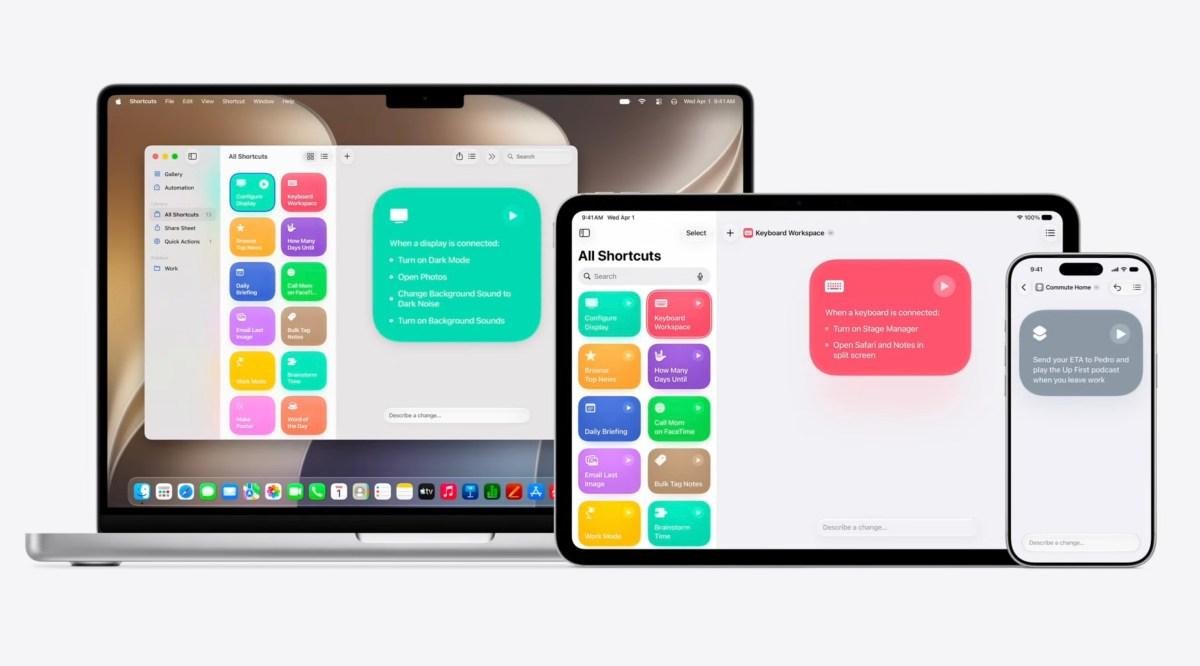
Apple will let you build workflows using AI in its new Shortcuts app Apple has leveraged AI to make its visual-scripting tool, Shortcuts, easier to use in iOS 27. The Shortcuts app was largely built for power users who wanted to automate repetitive tasks, create workflows, or set up multi-app actions. The new version of Shortcuts will instead allow users to write a prompt and simply describe...
As people look for ways to make new friends, here are the apps promising to help In recent years, people have been increasingly looking for new ways to form platonic connections, as loneliness and social isolation have become more prevalent. In 2023, the U.S. Surgeon General went so far as to label this issue a public health crisis. Remote workers, who miss the everyday interactions found in...

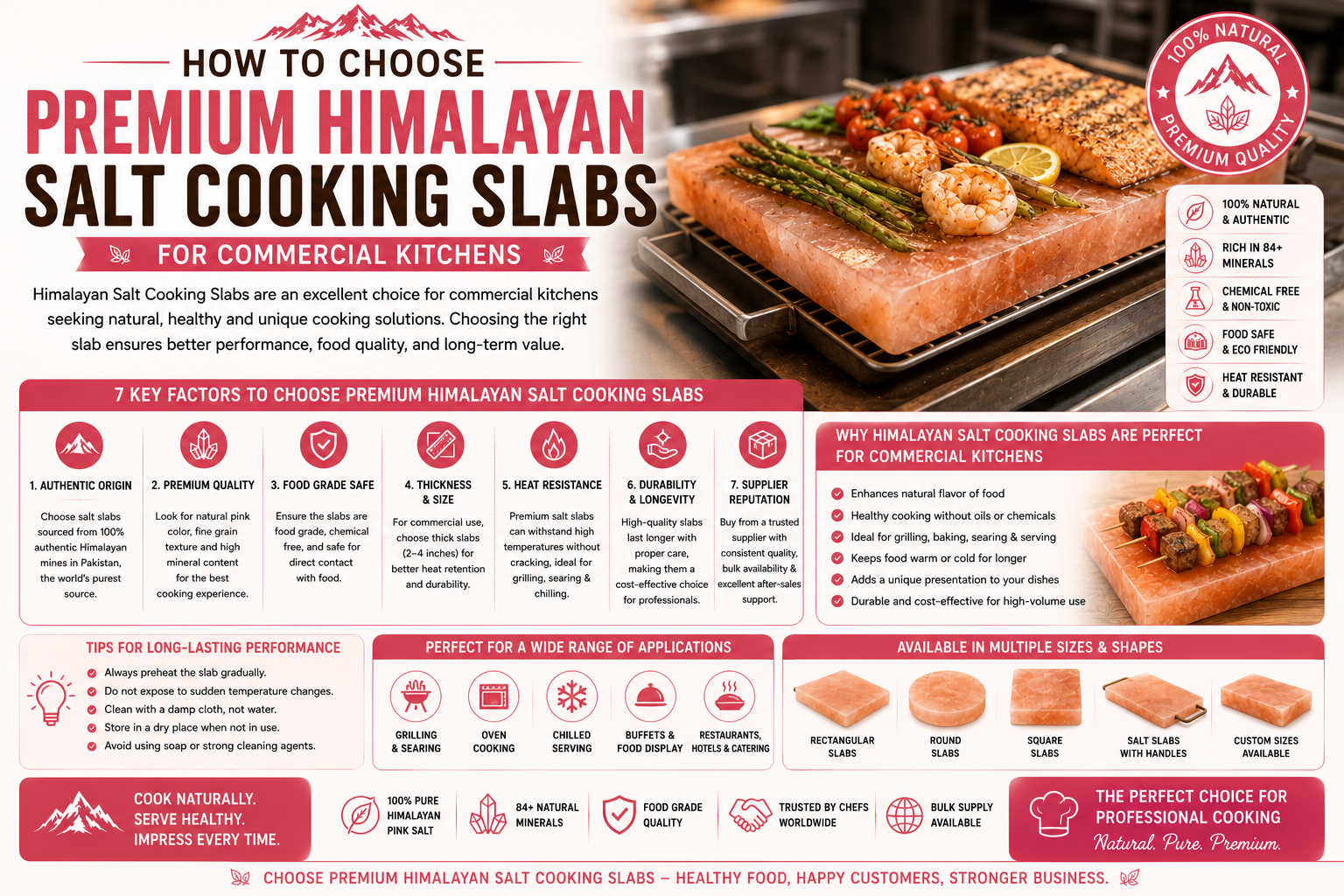
Introduction As restaurants, hotels, and fine dining establishments continue to seek distinctive ways to enhance food presentation, Himalayan Salt Cooking Slabs have become an increasingly popular choice. These natural slabs are valued for their elegant appearance, versatility, and ability to elevate the dining experience. However, selecting the right product for commercial use requires more...
New Cosmetic Brush Factory selection is an important decision for businesses that want to develop beauty accessories and build stable cooperation with manufacturing partners. Before choosing a supplier, companies should review production experience, customization ability, material options, and communication methods. A suitable partner can help transform product concepts into practical solutions...

Hezbollah strikes Israel as American and Israeli planes pound Iran In this photo taken with a slow shutter speed, a Middle East Airlines plane flies over Beirut as smoke rises from Israeli airstrikes on Dahiyeh in Beirut's southern suburbs, early Monday, March 2, 2026....